Live order tracking Live order tracking: guests follow every step on their phone

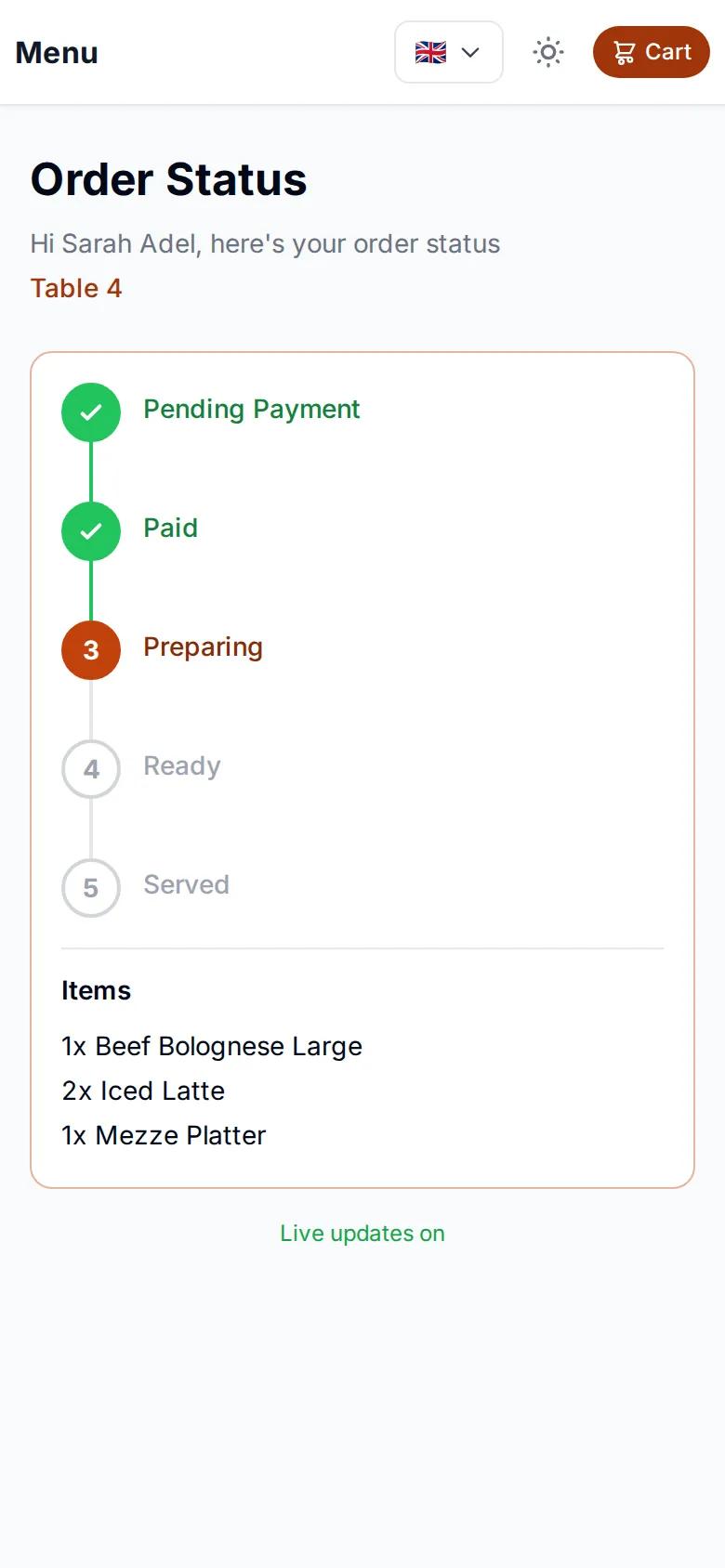
Live order tracking in egymenu means guests know where their order is without asking anyone. After a guest orders from the QR menu, a tracking page opens in their browser and updates on its own: received, preparing, ready, delivered. On delivery orders they also see the driver on a map until the driver arrives. Every step the kitchen marks with a tap shows up for the guest at the same moment. Order tracking is included in plans from $50 a month, with no commission on orders and a 7-day free trial.

Last updated:

egymenu.com
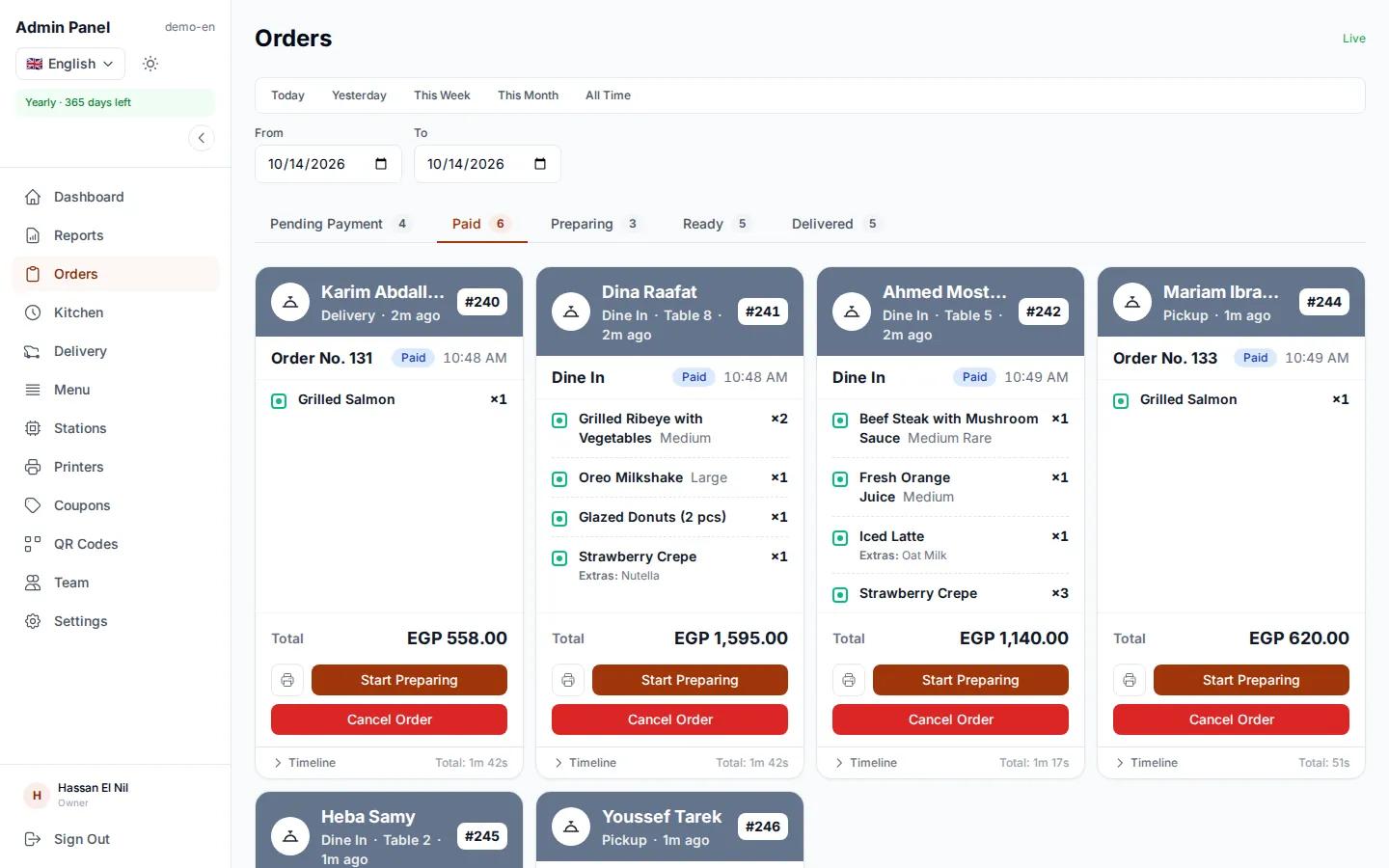
Orders board at a demo restaurant with each order at its stage
Live order tracking page on a guest's phone
Your order is readyTable 5 · just now

A tracking page that opens right after ordering

Once the guest reviews and sends the order, the tracking page opens in the same browser. No app to download, no account to create, and no need to refresh: it updates on its own.

  • No app, no account
  • Updates on its own
  • Works for table, pickup and delivery orders
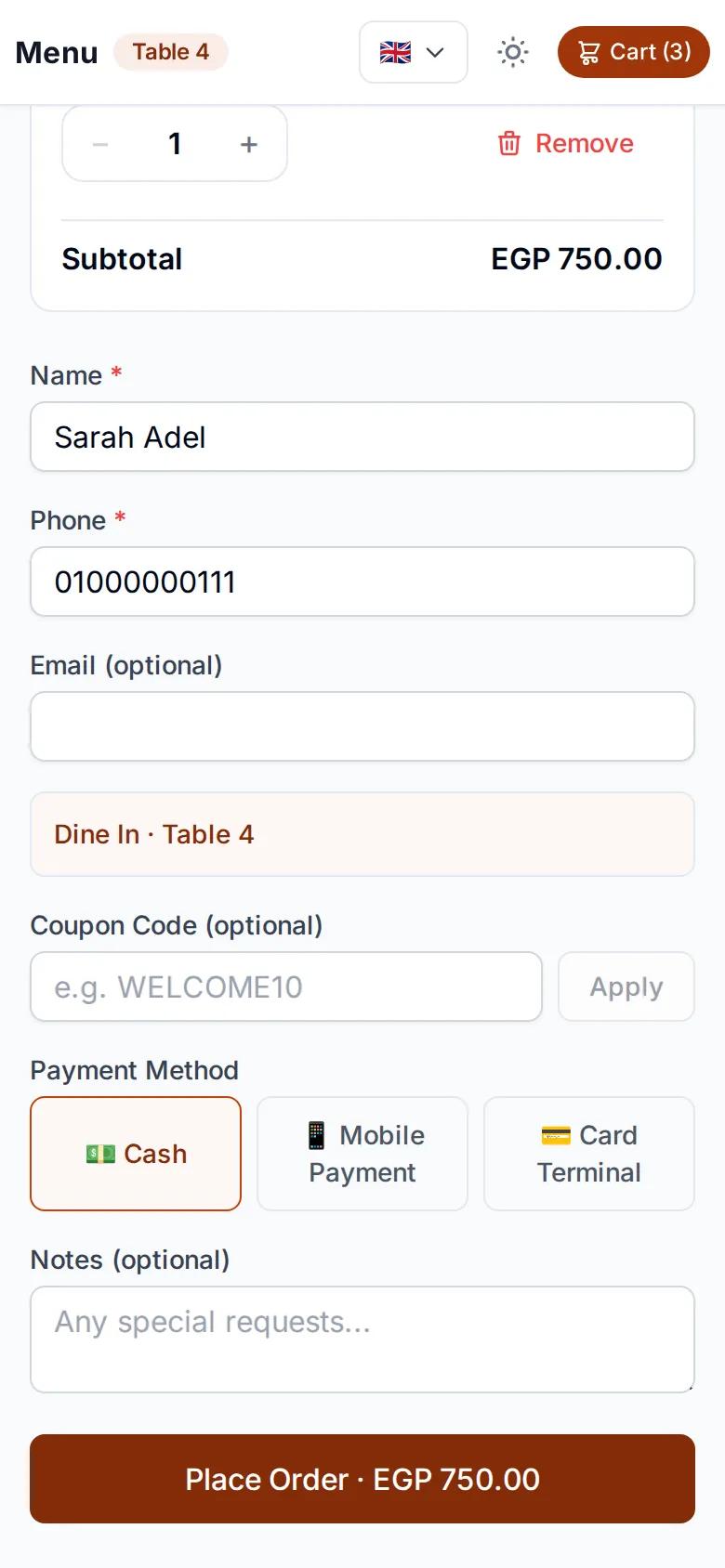
A guest sending an order from their phone before the tracking page opens

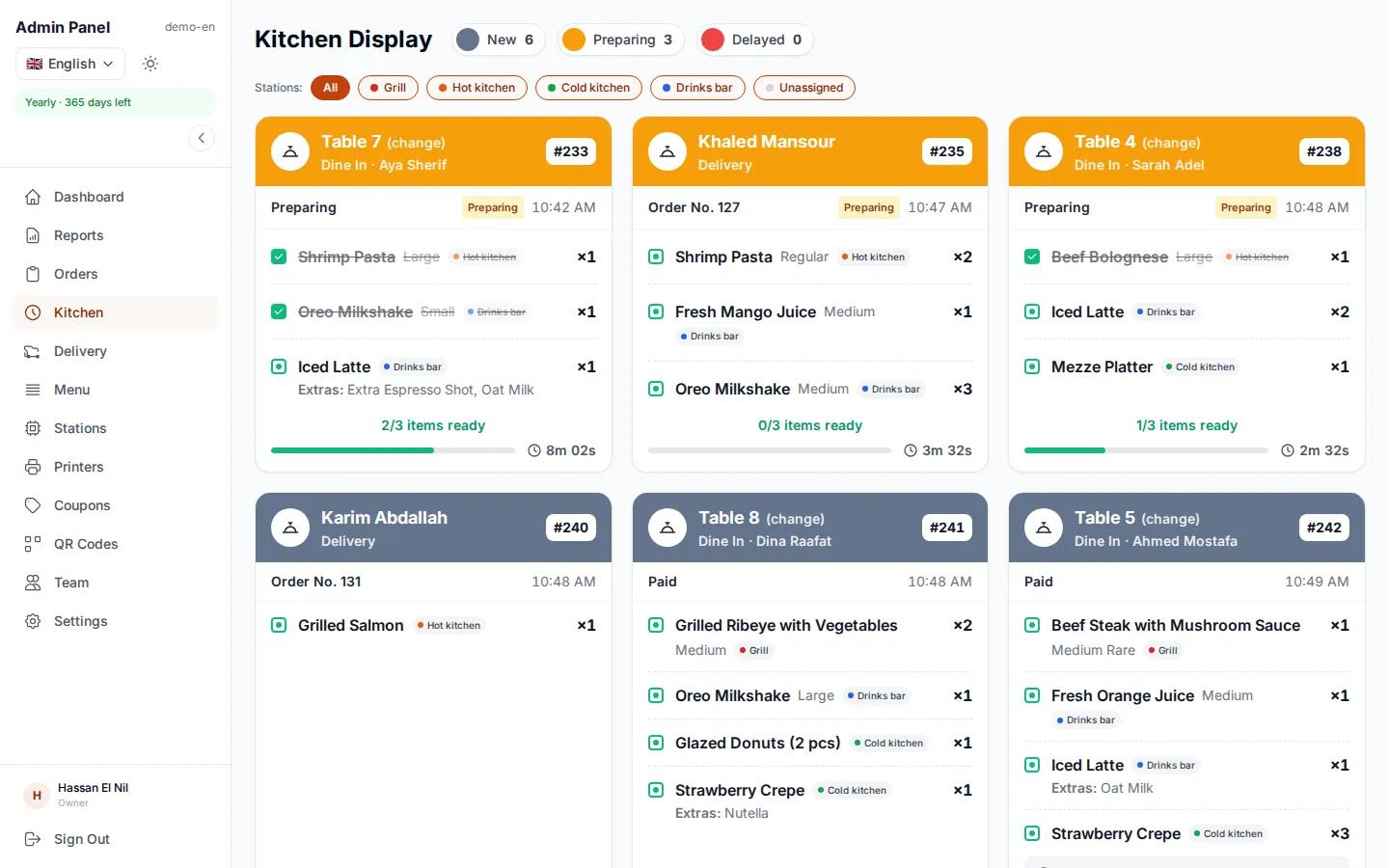
Every tap in the kitchen reaches the guest

When a cook moves the order to preparing and then to ready on the kitchen display, the guest's page updates at the same moment. Nobody has to go and tell the guest how their order is doing.

  • Order received
  • Preparing
  • Ready
  • Delivered
egymenu.com
Kitchen display where cooks update an order's status with a tap

Ready when every station is done

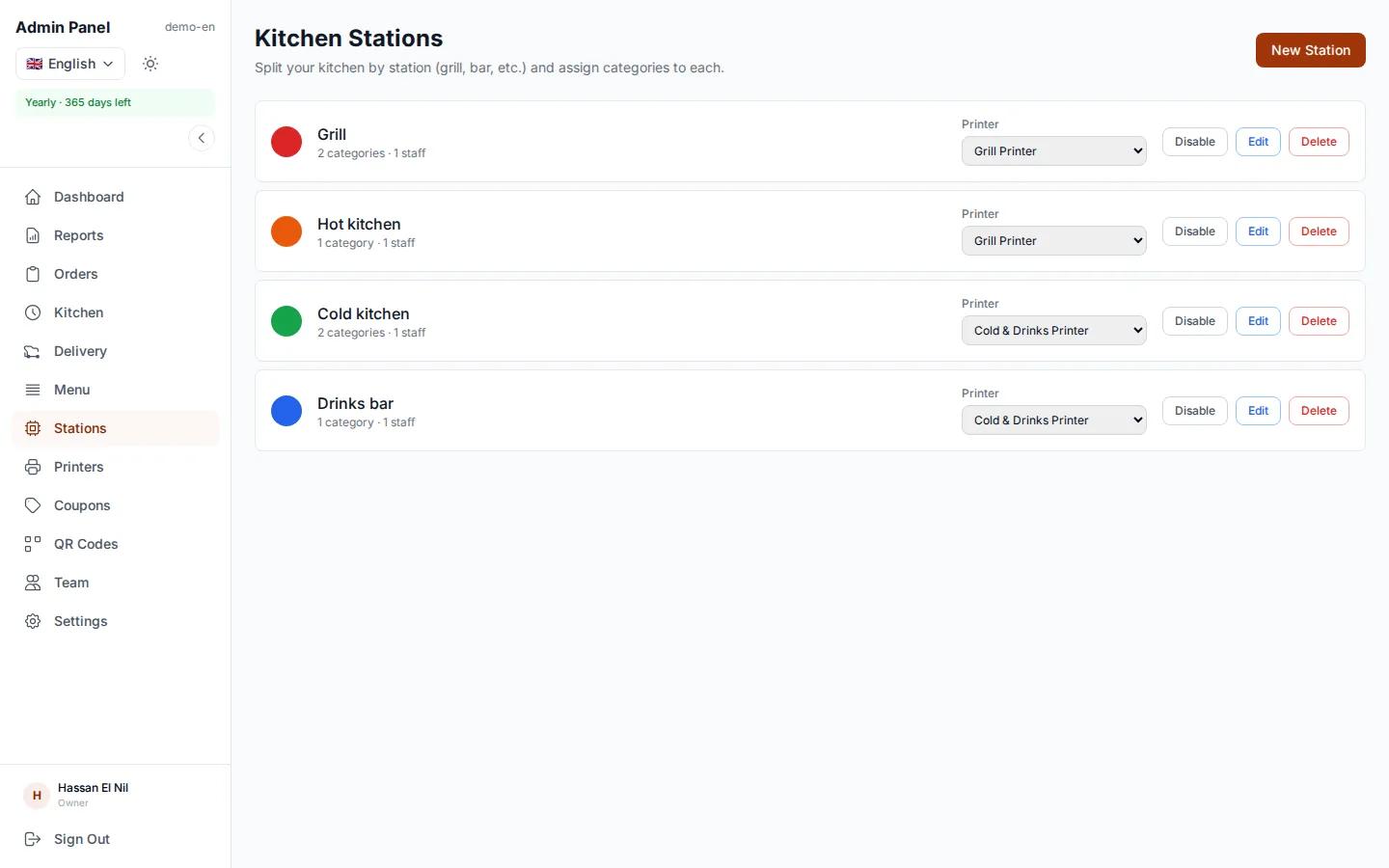
If your kitchen is split into stations, such as the grill and drinks, the order is marked ready automatically once every station has finished its part. That is the moment the guest sees their order is ready.

egymenu.com
A kitchen station screen showing only its own items

On delivery: the driver on a map

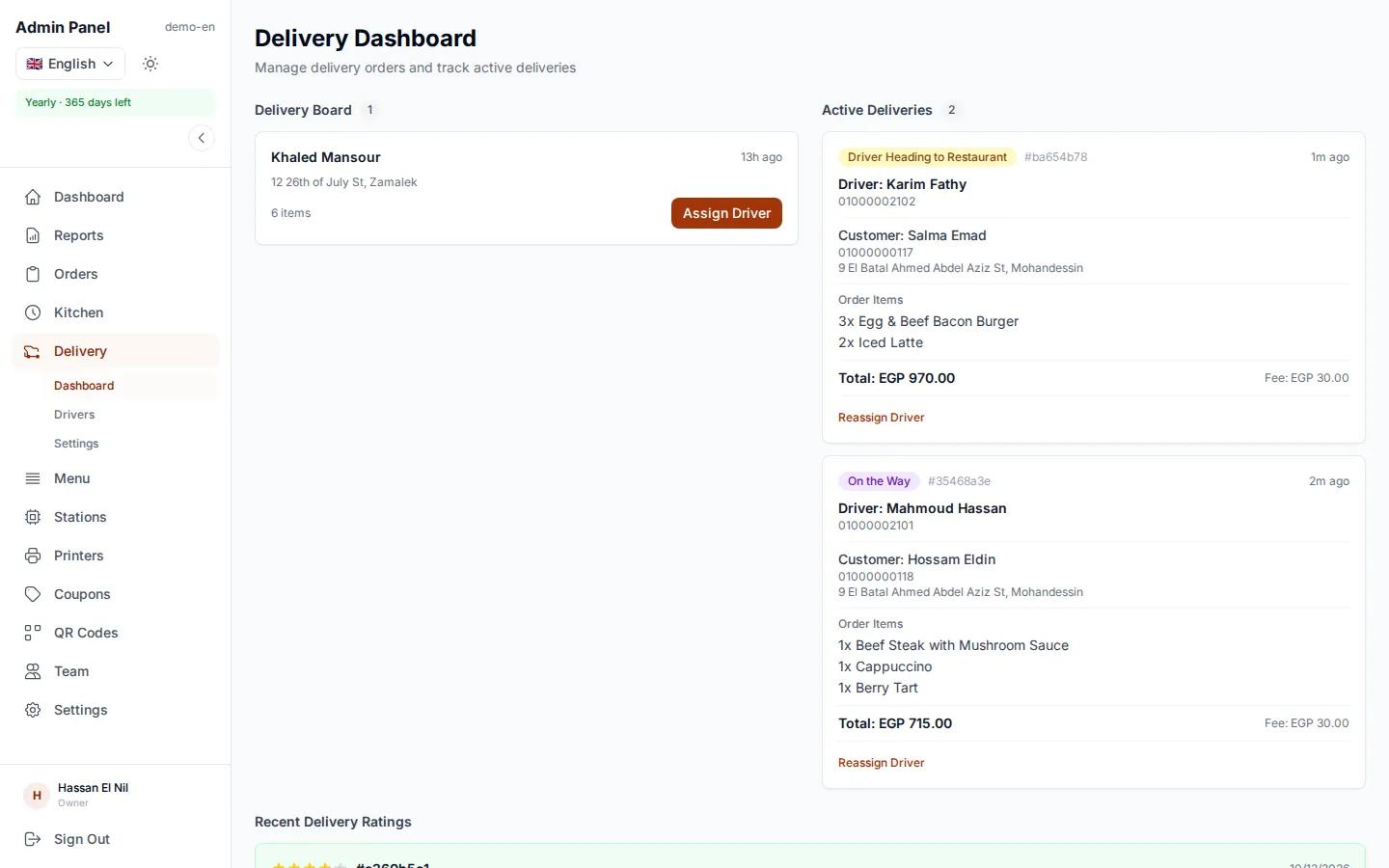
Delivery orders get one more step: driver on the way. The guest sees the driver live on a map until the driver arrives, then leaves a rating. No more calls to the restaurant asking where the order is.

  • Live driver location on a map
  • Driver rating after delivery
  • Comes with the delivery module
egymenu.com
Delivery dashboard with drivers and the status of each delivery

Guests who ask, or guests who can see?

Without live tracking, waiting turns into questions and phone calls.

No trackingegymenu live order tracking
In the dining roomGuests ask the waiter why the food is lateGuests see their order is being prepared
On deliveryCalls asking where the order isThe driver's location on a map
Order statusOnly the kitchen knowsShown to the guest at the same moment
What the guest needsTo call or wave someone overJust their phone, no app

How live order tracking works

  1. 1

    The guest orders

    They scan the code and order from their own phone.

  2. 2

    The kitchen updates the status

    One tap on the kitchen display: preparing, then ready.

  3. 3

    The guest sees every step

    The tracking page updates on its own until the order is delivered.

Order tracking questions

How do guests track their order?

After ordering they get a tracking page that updates on its own: received, preparing, ready, delivered. On delivery orders they also see the driver on a map.

Do guests need an app to track their order?

No. The tracking page opens in the browser right after ordering, with nothing to download.

Who updates the order status?

The kitchen, with a tap on the kitchen display or the orders board. Every tap updates the guest's page.

Can guests see the driver on a map?

Yes, on delivery orders. They see the driver live until the driver arrives, then rate the driver. The delivery module is part of the 6-month and yearly plans.

How much does order tracking cost?

Order tracking is included in the monthly plan at $50 a month, with no commission on orders. Every plan includes a 7-day free trial.

More from egymenu

Let your guests see their order live

Try it free for 7 days. We set up your menu for you.